
Picking SEO software for a B2B team is harder than it looks. The big platforms overlap a lot, so it’s easy to pay for two or three and still not know which one to open first. Comparing them by the job each one does helps you avoid that.
CMI’s B2B Content and Marketing Trends: Insights for 2026 surveyed 1,015 B2B marketers. It found that SEO tools are the third most-used type of AI tool among B2B marketers (41%), after content creation (89%) and creative assets (53%).
This B2B SEO tools comparison covers 10 tools by job, with their official prices and where each one fits. Four of them don’t cost anything.
TL;DR
Key takeawaysStart with a free foundation: Google Search Console, Google Analytics 4, Microsoft Clarity and Data Studio (Looker Studio), each described as free by Google or Microsoft.
Add one paid suite: Semrush (SEO plan $139/month) or Ahrefs (Lite $129/month).
Add specialists by job: Screaming Frog (free up to 500 URLs), Surfer (from $49/month, billed yearly) or Rankshift (from $82/month, billed annually)./p>
Pay for a tool when it handles a job you repeat, rather than for a long feature list.
Agents cross-check your claims against reviews, forums and third-party articles.
What Makes B2B SEO Tools Different?
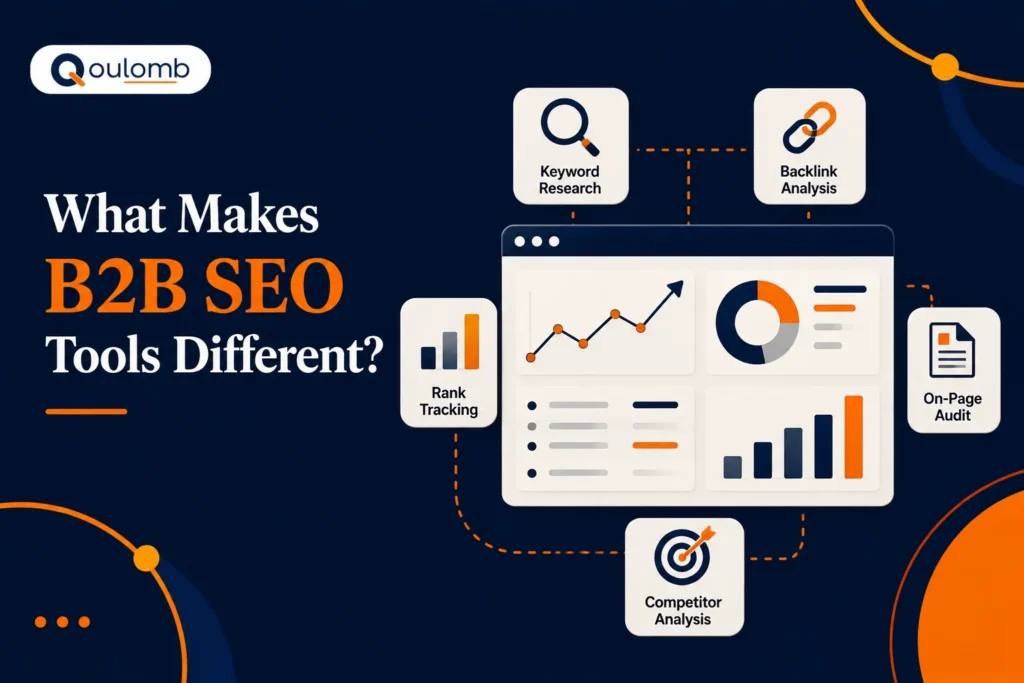
SEO platforms like Semrush, Ahrefs and Search Console aren’t built only for B2B companies. What changes is how you use them.
B2B keywords can have very low search volume. A term with 50 searches a month may not matter to a retailer, but it could be worth a lot to a cybersecurity company selling large contracts. So you need tools that help you judge intent as well as volume.
Intent can shift between two very similar searches. Someone typing “SSO implementation” probably needs a solution now. Someone typing “SSO best practices” is more likely still learning. Your tools should help you spot that difference and match each search to the right page.
B2B teams also need to see what happens after the click. That means pairing keyword and ranking data with analytics that show which pages lead to enquiries. So when you compare the best SEO tools for B2B, look for ones that connect search data to real business questions.
Invest in SEO Tools That Drive Results
Not sure which B2B SEO tools are worth your budget? Get expert guidance to build a smarter SEO strategy that drives leads and pipeline.
How We Choose These Tools?
For this B2B SEO tools comparison, we grouped the tools by the job each one does. The jobs are keyword and competitor research, search data, analytics, page performance, user behavior, reporting, technical crawling, content optimization and AI search tracking.
Every price and feature in this B2B SEO tools comparison comes from each tool’s official website, checked at the time of writing. We didn’t use review-site ratings or third-party price lists, so this isn’t a star-rating list of the best SEO tools for B2B.
Where two tools overlap, such as Semrush and Ahrefs, we say so, so you don’t pay twice for the same data.
B2B SEO Tools Comparison Table
This B2B SEO tools comparison table shows what each platform is built for and what it costs to start. Prices areen from official pages at the time of writing and can change, so check the vendor’s page before you buy.
B2B SEO Tools Comparison Table
Comparison| Tool | Built for | Starting Price and Billing | Free Option or Trial |
|---|---|---|---|
| Semrush | Keyword research, rank tracking, site audits, AI visibility | SEO plan: $139/month, or $117.33/month billed annually | — |
| Ahrefs | Competitor research, rank tracking | Lite: $129/month (billed monthly) | Ahrefs Free for your own site |
| Google Search Console | Google search data for your site | Free | Free service |
| Google Analytics 4 | Customer journey and marketing ROI | Free of charge | Free |
| PageSpeed Insights | Page performance on mobile and desktop | No price listed by Google | — |
| Microsoft Clarity | Heatmaps and session recordings | Free | Free forever |
| Data Studio (Looker Studio) | Dashboards and reports | Free | Free |
| Screaming Frog SEO Spider | Technical site crawling | $279 per licence, per year | Free up to 500 URLs |
| Surfer | Content drafting and optimization | Discovery: $49/month, billed yearly | “Start for Free” offered (terms not stated) |
| Rankshift | AI search visibility tracking | Starter: $82/month, billed annually | 30-day trial |
This B2B SEO tools comparison table shows what each platform is built for and what it costs to start. Prices areen from official pages at the time of writing and can change, so check the vendor’s page before you buy.
10 B2B SEO Tools Compared by Job
1. Semrush: Keyword Research, Rank Tracking and AI Visibility
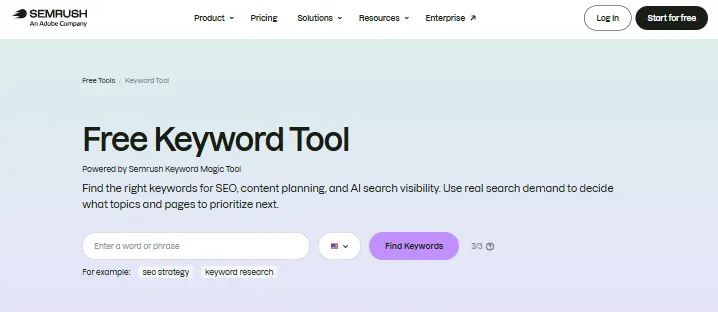
Semrush is a search marketing platform that brings keyword research, rank tracking, site audits and AI search tracking into one place.
Why use it: it suits teams that want one main workspace.
The SEO plan includes basic keyword research and competitor analysis, Position Tracking, Site Audit, AI visibility reports and AI sentiment monitoring. That makes it easier to see how your brand shows up in both regular and AI search. If AI answers matter to you, it’s also worth learning how to track ChatGPT brand mentions alongside your rankings.
Pricing:
- SEO plan: $139/month, or $117.33/month billed annually
- Starter SEO + AI Search: $199/month
- Pro+ SEO + AI Search: $299/month
- Advanced SEO + AI Search: $549/month, which adds API access
Watch out for: the SEO plan covers 5 websites and 500 keywords tracked daily.
2. Ahrefs: Competitor Research and Rank Tracking
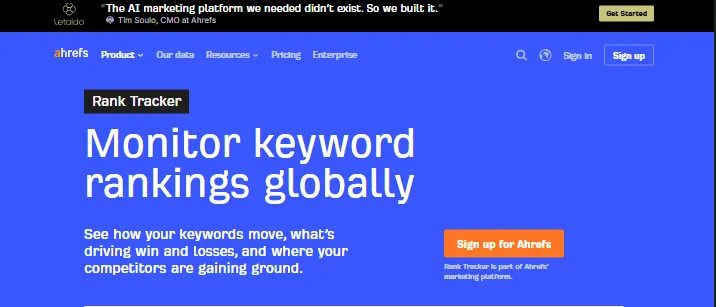
Ahrefs’ Site Explorer helps you study competitors’ websites, and its Rank Tracker monitors your rankings.
Why use it: it suits teams whose research starts with competitors’ websites, which Site Explorer is built to study.
Pricing:
- Lite: $129/month
- Standard: $249/month
- Advanced: $449/month
- Enterprise: $1,499/month, with an annual commitment
There’s also a separate Starter plan at $29/month, and Ahrefs Free gives you data on your own site.
Watch out for: check the plan limits before you buy.
- Lite: 5 projects, 750 tracked keywords, 5 tracked AI prompts and 6 months of historical data
- Standard: 2 years of history and 2,000 tracked keywords
3. Google Search Console: Real Search Data From Google
Google Search Console is a Google service that helps you monitor, maintain and troubleshoot how your site appears in Google Search.
Why use it: it shows the queries that bring people to your site, plus impressions, clicks and position. Because this is Google’s own data for your site, it’s a good place to check what the paid tools estimate. Zero-click search often explains pages that get impressions but few clicks, so check it before you rewrite them.
Pricing: free.
4. Google Analytics 4: The Customer Journey and Marketing ROI
Google Analytics 4 tracks what people do after they reach your site.
Why use it: Google says it gives you the tools to understand the customer journey and improve marketing ROI. For B2B teams, that means seeing which organic pages lead visitors toward a demo request or contact form.
Pricing: free of charge.
5. PageSpeed Insights: Page Performance and Core Web Vitals
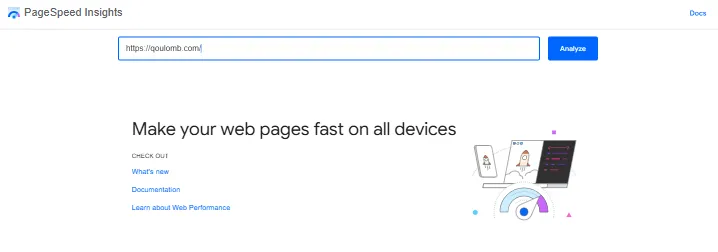
PageSpeed Insights assesses how your pages perform on mobile and desktop. It suggests fixes based on lab data and real-world data from the Chrome User Experience Report.
Why use it: it reports the Core Web Vitals (LCP, CLS and INP). That makes it a handy check among technical SEO tools when key pages, like pricing and demo pages, feel slow.
Pricing: Google doesn’t list a price for it.
6. Microsoft Clarity: Heatmaps and Session Recordings
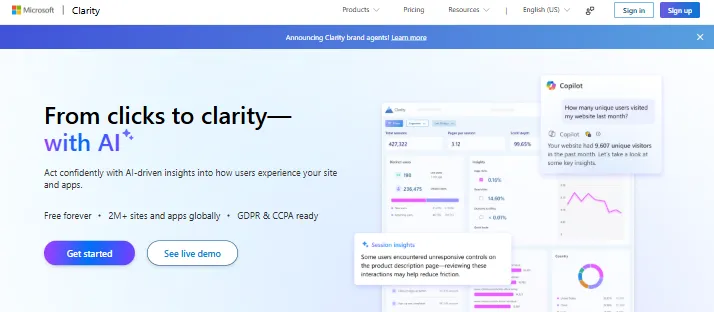
Microsoft Clarity shows how people actually use your pages through heatmaps and session recordings, along with AI-driven insights.
Why use it: it helps you see where visitors get stuck on forms, pricing pages or long guides.
Pricing: free forever, with no limits on traffic, according to Microsoft.
7. Data Studio (Looker Studio): Dashboards and Reporting

Data Studio (Looker Studio) turns your data into interactive dashboards and reports.
Why use it: built-in and partner connectors let you pull data from several sources into one view. That’s handy when leaders want SEO results in a single report before a budget review.
Pricing: Google describes it as easy and free.
8. Screaming Frog SEO Spider: Technical Crawling
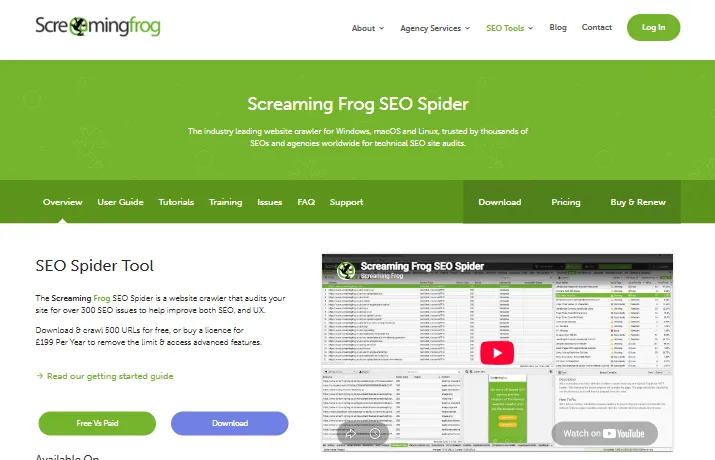
Screaming Frog SEO Spider crawls your website and finds technical problems.
Why use it: the free version finds broken links, errors and redirects. It also analyses page titles and meta data and audits hreflang.
Pricing: free to crawl up to 500 URLs. A licence costs $279 per year and unlocks bigger crawls and advanced features.
Watch out for: licences are per user, so two users need two licences.
9. Surfer: Content Drafting and Optimization
Surfer helps you draft and optimize content for Google and AI search results.
Why use it: it suits content teams that want one shared workflow for planning and improving pages. Surfer also sells AI Search Analytics, which tracks your brand’s visibility across ChatGPT, Gemini and AI Overviews.
Pricing (billed yearly):
- Discovery: $49/month
- Standard: $99/month
- Pro: $182/month
- Peace of Mind: $299/month
- AI Search Analytics: $82/month
Watch out for: on an annual plan, you’re charged for the whole year upfront.
10. Rankshift: AI Search Visibility Tracking
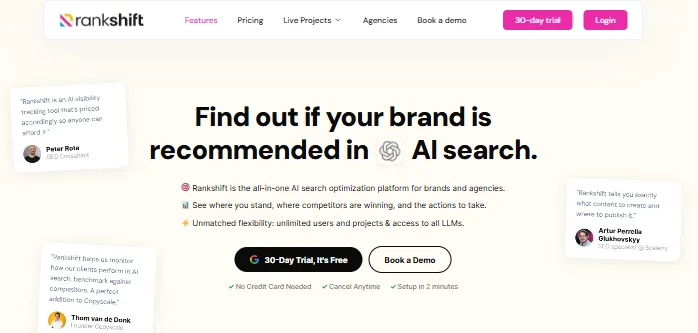
Rankshift is an AI search visibility tool that tracks how your brand appears in AI-generated answers.
If you’re new to this area, learn how brands get recommended by AI engines before you pay for a dedicated platform.
Why use it: the Starter plan is aimed at SEO and content managers getting started with AI search visibility. It also includes a content brief generator, crawler analytics, a Looker Studio integration and MCP and API access.
Pricing (billed annually):
- Starter: $82/month
- Professional: $189/month
- Business: $425/month
There’s a 30-day trial.
Watch out for: Starter includes 150 prompts a day and 9,500 credits, so check whether that covers the prompts you want to track.
How to Use B2B SEO Tools Across the Buying Journey
Owning the tools is the easy part. The value comes from how you use them at each stage of the buying journey.
If you’re new to Search Console, Google’s help page explains what the service covers. The steps below then put it to work with your other tools.
- Find quick wins in Search Console: Filter for queries where your pages sit in positions 11 to 30 with 100+ impressions. Those pages already get seen, so they’re a sensible place to start improving.
- Check content gaps against three competitors: Use Ahrefs or Semrush to list keywords your competitors rank for and you don’t. Then keep the ones that match what you actually sell.
- Map keywords to buying stages: Sort them into awareness, consideration and decision searches, so each one points to the right page.
- Run a weekly crawl: Set a suite’s site audit, such as Semrush Site Audit, to crawl weekly and alert you to new errors.
- Build one dashboard: Pull Search Console and GA4 data into Data Studio, so your team looks at one view.
How to Choose the Right B2B SEO Tool Stack
Any B2B SEO tools comparison should start with a question you keep struggling to answer, not with a feature list. The same goes for your SEO tool stack. That question might be which keywords are worth targeting, why an important page lost traffic, or whether your brand appears in AI answers.
Once you know the job, follow these steps:
1. Check what you already have: Semrush and Ahrefs plans both include keyword tracking and AI prompt or visibility tracking, so you may not need both.
2. Work out the full cost: Compare monthly and annual billing, and look at plan limits such as tracked keywords, projects and history.
3. Start with the free SEO tools: The four free tools above cover search data, behavior and reporting without a subscription.
4. Test on a real project: Try a free option or trial on a live page first. Rankshift, for example, offers 30 days.
Run through that list and your B2B SEO tools comparison becomes much shorter, because you’re only weighing the tools that solve a real problem for your team.
Which B2B SEO Tools Should You Buy First?
Start with the free foundation, then add paid tools one job at a time:
- Start with the free foundation if you’re building from scratch: Search Console, GA4, Clarity and Data Studio.
- Bring in Semrush or Ahrefs when you need regular keyword, competitor and rank data.
- Choose Screaming Frog when you can’t explain technical problems on your site.
- Pick Surfer when content production becomes the bottleneck.
- Consider Rankshift once AI search is a metric you report to leadership. Before you spend on AI tracking, check your site’s AI search readiness to see which pages need attention first.
How Qoulomb Uses SEO Tools for B2B Clients
We use the same tools on client work. For Zetwerk, a global B2B manufacturing network, Semrush and Google Analytics were the two dashboards we measured our work against.
We started by recording a baseline in both tools. From there, we tracked the same metrics on the same dashboards:
- Semrush: Authority Score and monthly organic visits
- Google Analytics: overall sessions
- AI search: sessions from AI platforms, AI’s share of traffic and keywords that appear in AI Overviews
Each report then compared the same numbers against that starting point.
Build a stronger organic growth engine
Turn search visibility into qualified B2B traffic and pipeline with a strategy built around your business goals.
Book a CallQoulomb helped us show up in AI search answers, not just Google. They spotted early that our landing pages were the problem and fixed them with us.

Jose Russo Pons
Head of Growth Marketing, GAIN
Conclusion
A bigger stack won’t fix your SEO on its own. What helps is a few tools your team opens every week. The four free tools from Google and Microsoft already show what people search, how they behave and what to report.
So start there. Add Semrush or Ahrefs once you need steady keyword and competitor data. Bring in Screaming Frog, Surfer or Rankshift only when one specific job keeps slowing you down.
That’s how we work at Qoulomb too. We use these tools to find where B2B brands are missing from search and AI answers, then fix that.
If you’d like a second opinion on your own stack, feel free to reach out to our team.
FAQs
1. Can I use the same SEO platform for both B2B and B2C businesses?
Yes, you can use the same SEO platform for both B2B and B2C businesses. Tools like Semrush, Ahrefs and Google Search Console work for either. The difference is in how you set them up, such as tracking lower-volume, high-intent keywords and measuring enquiries rather than quick sales.
2. Are there any free B2B SEO tools that actually work for SaaS companies?
Yes, several free SEO tools work well for SaaS companies. Google Search Console shows your real search data, GA4 tracks the customer journey, Microsoft Clarity offers heatmaps and recordings, and Data Studio builds reports. Screaming Frog is also free for crawls of up to 500 URLs.
3. Do I need different SEO tools for complex B2B products versus simpler services?
Not necessarily. The same core tools work for complex B2B products and simpler services. Large sites with many pages may need more crawling capacity, such as a paid Screaming Frog licence. They may also need more tracked keywords, which means a higher Semrush or Ahrefs plan.
4. What is the best SEO tool for SaaS and B2B companies?
There isn’t one best SEO tool for every SaaS and B2B company. The right choice depends on the job. Semrush and Ahrefs cover broad research, Search Console gives you Google’s own data, Screaming Frog handles technical audits and Rankshift tracks AI search visibility.
5. Which SEO tool is the most accurate?
No single tool is the most accurate for everything. For your own site, Google Search Console is the closest source, because it shows Google’s own data on queries, clicks, impressions and position. Use it to check the keyword and traffic numbers that third-party tools report.
6. Do I need an AI visibility tool in addition to an SEO platform?
Not always. Semrush and Ahrefs plans already include some AI prompt or visibility tracking. A dedicated AI search visibility tool such as Rankshift, or Surfer’s AI Search Analytics, makes more sense once AI visibility becomes a goal you report on regularly.
7. How many B2B SEO tools does a team need?
A practical starting point is the free foundation plus one paid suite. Search Console, GA4, Data Studio and Clarity cover data and reporting, while Semrush or Ahrefs covers research. Add Screaming Frog, Surfer or Rankshift only when a specific job calls for it.